

The 15-Minute Guide: How “Preference Orders” Actually Work (And Why You’ll Love Them)
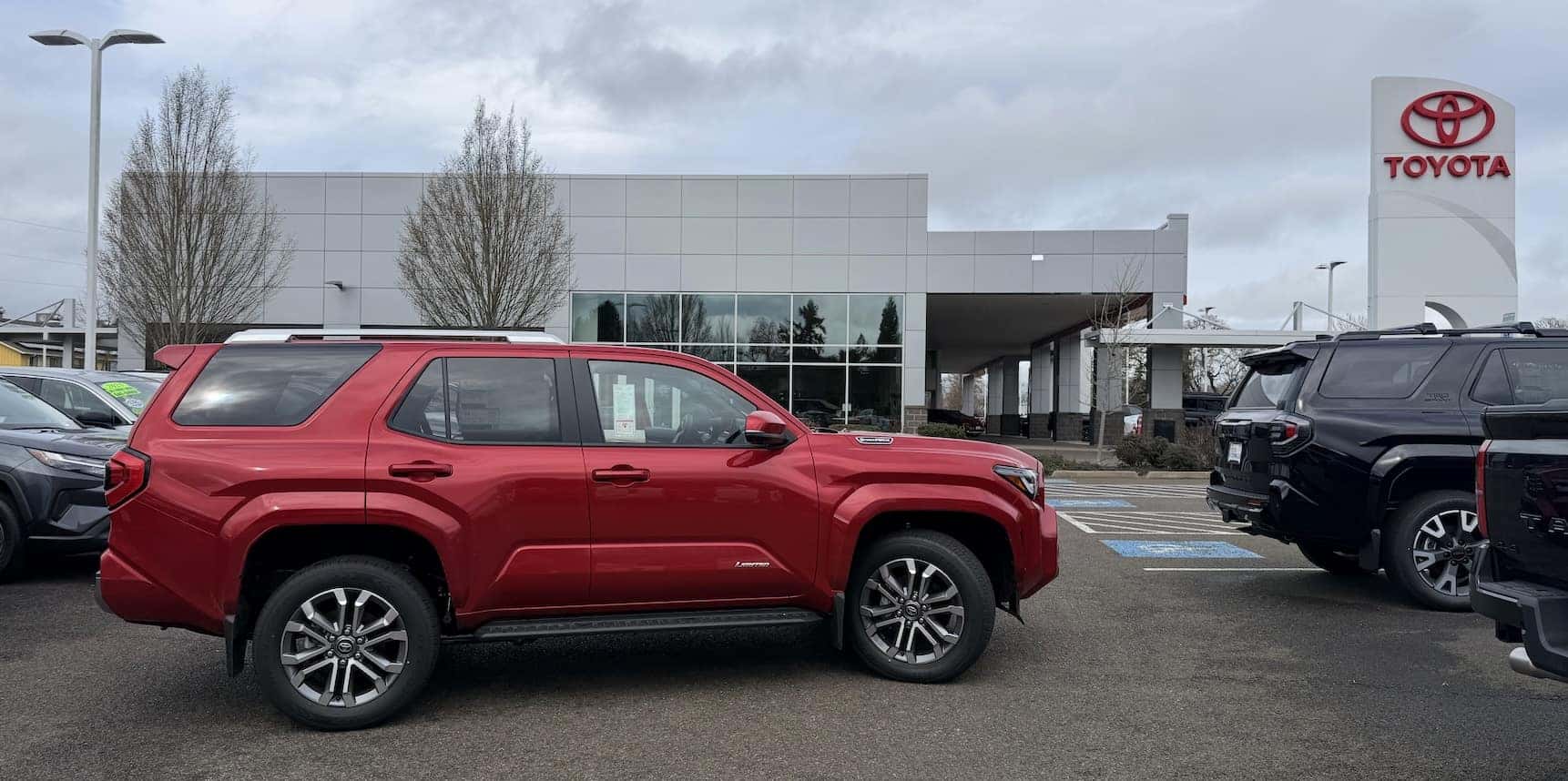
You’re halfway through your sandwich, scrolling for a new ride, and you keep seeing the term “Preference Order.” It sounds like a secret menu item, but at Toyota of Corvallis, it’s actually the smartest way to get exactly the vehicle you want without the stress of a typical “custom order.”
Since we know your lunch break is ticking away, let’s break down the “Preference Request” system in the time it takes to finish your latte.
1. The Myth: “I can just custom-build it at the factory.”
In the Toyota world, “factory ordering” (where they build one specific car just for you from scratch) isn’t really how things roll. Instead, Toyota uses an Allocation System. They build high-quality vehicles based on regional demand and ship them to dealers like us.
2. The Reality: The “Preference Request”
Think of a Preference Request as us putting in a specialized “claim” for you.
-
How it works: You tell us your “Must-Haves” (e.g., 2026 Tacoma, TRD Off-Road, Ice Cap Color, with the Upgrade Package).
-
The Match: We look at what Toyota is already planning to build for our region. If a truck matches your specs, we request that it be allocated specifically to our dealership for you.
-
The Tweak: Sometimes, we can even “pivot” an incoming vehicle. If a truck is early enough in the production line, we can often request a color change or add specific accessories to match your list.
3. Why this is better for YOU
Traditional custom ordering can take 6–12 months. Preference ordering is much faster because:
-
Real-Time Data: We are looking at vehicles already in the pipeline.
-
Priority Status: Once we match a preference to your name, that vehicle is tagged for you before it even leaves the factory.
-
Local Expertise: Our non-commissioned team doesn’t care about selling you what’s on the lot today—they care about getting you the right car for your commute.
4. How to start (Before your lunch break ends!)
You don’t need to spend three hours in a showroom.
-
Browse our SmartPath tool: See what’s currently in transit.
-
Submit Your Specs: If you don’t see the perfect match, hit the “Contact Us” button and list your preferences.
-
We Do the Legwork: We’ll scan the upcoming allocations and alert you the second a match is confirmed.
Back to work? Save this post for later, or better yet, start your SmartPath journey right now and let us handle the “Preference” hunt while you finish your day.
0 comment(s) so far on The 15-Minute Guide: How “Preference Orders” Actually Work (And Why You’ll Love Them)